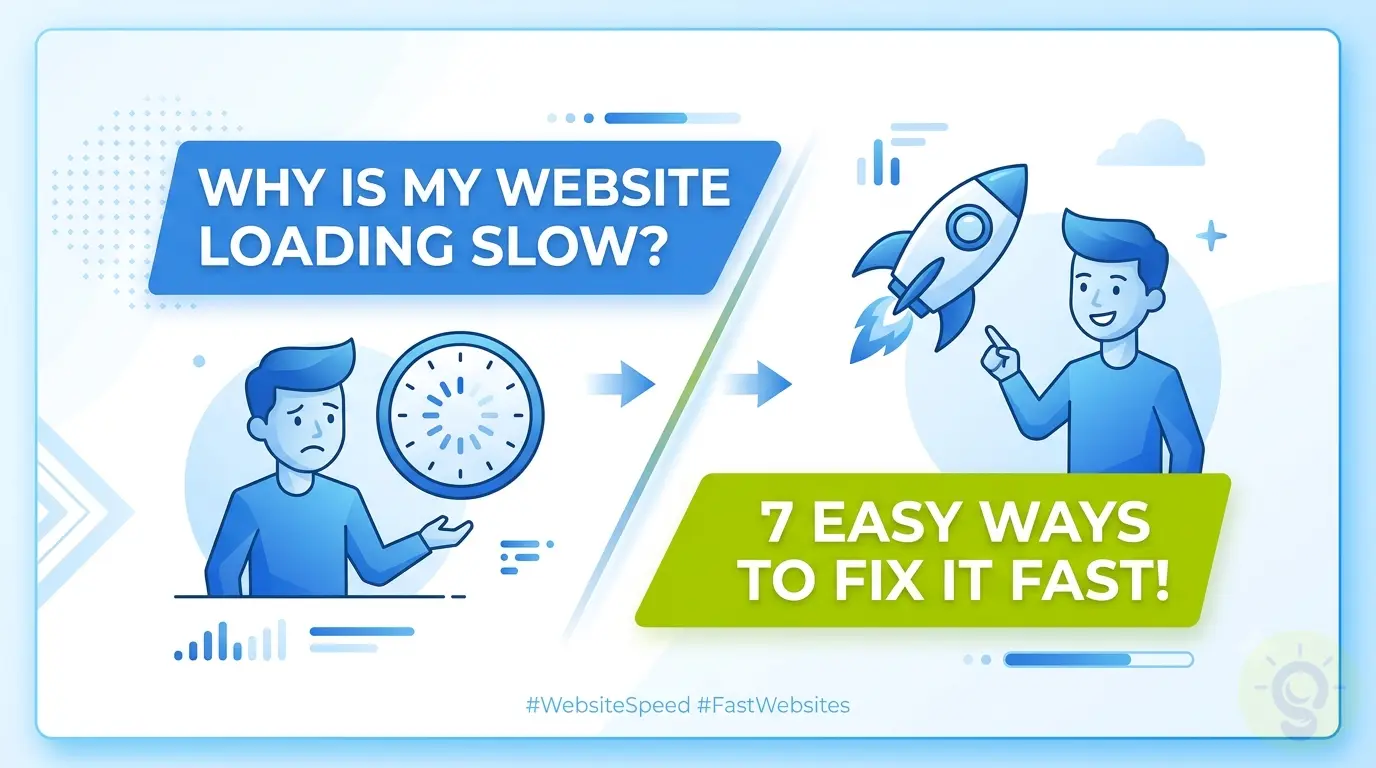
Is Your Website Testing Your Patience?
You have built a beautiful website, but there is one massive problem. It takes forever to load. In today's fast moving digital world, a slow website is a silent business killer. Studies show that if your site takes longer than three seconds to load, over 50% of your visitors will leave before seeing anything. That is lost traffic, lost leads, and lost revenue.
But do not worry. You do not need to be a coding genius to fix this. In this guide, we will break down exactly why your website is running slow and give you 7 incredibly easy step by step solutions to make it lightning fast.
Why Site Speed is Crucial for SEO and Sales
Google loves fast websites. In fact, page speed is a primary ranking factor for search engines. If your site is slow, Google will bury it on page 10 where no one will ever find it. Beyond SEO, speed directly impacts user experience (UX). A fast site builds trust, while a slow one frustrates potential customers.
Let us dive into the top 7 reasons your website might be struggling and how to fix them today.
1. Optimize and Compress Your Images
The Problem: High resolution images are the number one cause of slow websites. A single unoptimized image can be 5MB or larger, forcing your visitor's browser to download massive files before they can read your text.
The Solution: Always compress your images before uploading them. You can use free tools like TinyPNG to reduce file sizes by up to 80% without losing visual quality. Also, convert older formats like JPEG and PNG to next generation formats like WebP.
2. Utilize a Content Delivery Network (CDN)
The Problem: If your web hosting server is in New York, but your visitor is in London, the data has to travel across the ocean. This physical distance causes a delay known as latency.
The Solution: Use a CDN like Cloudflare. A CDN stores copies of your website on servers all around the globe. When a user visits your site, the CDN serves the files from the location closest to them, drastically cutting down loading times.
3. Minify Your CSS, HTML, and JavaScript
The Problem: Website code is often filled with unnecessary spaces, line breaks, and comments that developers use to read the code easily. However, browsers do not need these, and they only add extra weight to your files.
The Solution: Minification removes all unnecessary characters from your code. If you have a custom Web App Development setup, modern build tools will minify this for you. For CMS platforms, caching plugins often handle this automatically.
4. Leverage Browser Caching
The Problem: Every time someone visits your site, their browser has to download all the logos, CSS files, and scripts. If they click to another page, they have to download them all over again.
The Solution: Enable browser caching. Caching tells your visitor's browser to save specific files locally on their device. When they visit a second page, the site loads instantly because the heavy files are already stored on their computer.
5. Upgrade Your Web Hosting Plan
The Problem: You get what you pay for. Many business owners opt for the cheapest shared hosting available. On shared hosting, you share server resources with hundreds of other websites. If one of those websites gets a traffic spike, your site slows down.
The Solution: Upgrade to a VPS (Virtual Private Server) or managed cloud hosting. Dedicated resources ensure your website remains fast and stable, no matter how much traffic you receive.
6. Clean Up Your Database
The Problem: Over time, your website's database becomes cluttered with spam comments, post revisions, expired transients, and deleted items. A bloated database takes longer to fetch information.
The Solution: Regularly clean and optimize your database. Sweeping your database clean ensures data retrieval remains fast and your server is not overworked.
7. Avoid Using Too Many Heavy Plugins
The Problem: It is tempting to add a plugin for every little feature you want. However, every plugin adds extra code, database queries, and external requests to your site. Some poorly coded plugins can completely ruin your site speed.
The Solution: Keep your extensions to an absolute minimum. Audit your active plugins and delete anything you do not strictly need. If you need complex features, consider hiring professionals for Custom Website Development rather than relying on heavy third party scripts.
Final Thoughts
Website speed is not a luxury; it is a necessity. By following these 7 easy steps, you can significantly reduce your loading times, improve your Google rankings, and keep your visitors happy. If you feel overwhelmed or want a team of experts to handle your website performance, reach out to us at SelestL Solutions. We specialize in building lightning fast, high converting digital experiences.