For independent digital publishers relying solely on Google AdSense, monetization eventually hits a structural ceiling. AdSense delivers reliable demand, but relying on a single closed exchange prevents you from discovering what outside advertisers are truly willing to pay for your impressions. To maximize inventory yield, scaling media companies transition to programmatic header bidding. If you want to know how to set up header bidding to unlock 30% to 60% higher CPMs, this comprehensive implementation blueprint walks you through every technical milestone in 2027.
Historically, publishers relied on the sequential "waterfall" setup: if Network A failed to meet a price floor, the impression dropped down to Network B, then Network C. This legacy process suffered from severe latency and depressed bids. Header bidding completely replaced the waterfall by conducting a simultaneous, fair-market auction across dozens of supply-side platforms (SSPs) directly in the user's browser before calling your primary ad server.
Waterfall vs Header Bidding vs Open Bidding: Architecture Comparison
Before configuring code tags, webmasters must understand how modern programmatic auction mechanisms compare across technical and commercial dimensions:
| Auction Architecture | Execution Environment | Auction Latency | Data Transparency | Typical CPM Uplift | Setup Complexity |
|---|---|---|---|---|---|
| Legacy Waterfall | Ad Server (Sequential) | High (1500ms - 3000ms) | Low (Closed silos) | Baseline (0%) | Low |
| Client-Side Prebid.js | User Browser (Header) | Moderate (800ms - 1200ms) | Complete (Log-level bids) | +30% to +60% | Moderate to Advanced |
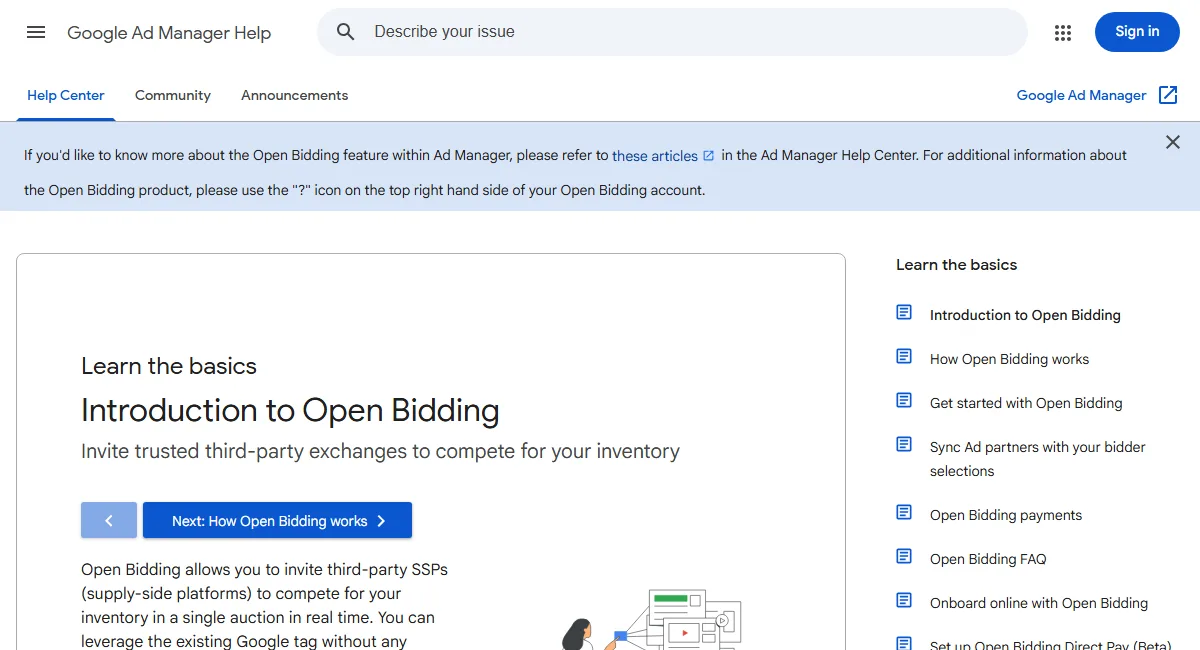
| Server-Side (Open Bidding) | Google Cloud Server | Minimal (<150ms) | Restricted by Google | +20% to +45% | Low (Inside GAM) |

Step-by-Step Implementation Guide: Building Your Prebid Stack
Executing a production-grade header bidding configuration requires four core technical stages: establishing exchange contracts, deploying the JavaScript wrapper, wiring your Google Ad Manager (GAM) line items, and calibrating auction timeouts.
Step 1: Secure Direct Publisher Accounts with Key Demand Partners
Header bidding is not a single plug-and-play network: it is an auction protocol. To receive bids, you must apply for publisher accounts with 3 to 6 reputable programmatic exchanges (SSPs). Leading demand partners include:
- Magnite (Rubicon Project): Excellent global brand demand and high video/display CPMs.
- PubMatic: Outstanding mobile web monetization and transparent analytics.
- OpenX: High-volume programmatic exchange with strict inventory quality controls.
- Index Exchange: Renowned for clean publisher integration and competitive desktop CPMs.
- Sovrn: Flexible integration terms with accessible thresholds for mid-tier publishers.
Step 2: Compile and Build Your Custom Prebid.js Wrapper
Navigate to the official Prebid.js open source framework repository or download portal. Rather than downloading a bloated library containing hundreds of unneeded adapters, select only the specific bidder modules you contracted with in Step 1.
Ensure you check core modules including dfpAdServerVideo (if serving video) and Consent Management (to comply with GDPR, CCPA, and Google EU User Consent requirements). Place the compiled prebid.js script in your site header asynchronously.
Step 3: Define Ad Units and Bidder Parameters in JavaScript
On your web pages, declare your ad slot inventory and assign bidder parameters before initiating the ad server call. Below is a production-ready implementation snippet showing how ad slots and bidder IDs are declared:
var pbjs = pbjs || {};
pbjs.que = pbjs.que || [];

var adUnits = [{
  code: 'div-gpt-ad-incontent-1',
  mediaTypes: {
    banner: {
      sizes: [[300, 250], [336, 280]]
    }
  },
  bids: [{
    bidder: 'rubicon',
    params: { accountId: '12345', siteId: '67890', zoneId: '11121' }
  }, {
    bidder: 'pubmatic',
    params: { publisherId: '54321', adSlot: 'incontent_1@300x250' }
  }, {
    bidder: 'openx',
    params: { unit: '987654', delDomain: 'publisher-d.openx.net' }
  }]
}];

pbjs.que.push(function() {
  pbjs.addAdUnits(adUnits);
  pbjs.requestBids({
    bidsBackHandler: initAdserver,
    timeout: 1000
  });
});

function initAdserver() {
  if (pbjs.initAdserverSet) return;
  pbjs.initAdserverSet = true;
  googletag.cmd.push(function() {
    pbjs.setTargetingForGPTAsync();
    googletag.pubads().refresh();
  });
}
Notice the timeout: 1000 parameter. Setting a strict 1,000-millisecond cap guarantees that slow third-party bidders cannot delay your page load or hold up ad delivery.
Step 4: Configure Google Ad Manager Line Items and Price Buckets
Prebid communicates winning bids to your primary ad server (GAM) through key-value targeting. When a bidder wins with a $3.50 CPM, Prebid passes the key-value pair hb_pb=3.50 to Google Publisher Tag (GPT).
Inside Google Ad Manager, you must configure Price Priority line items corresponding to these bid amounts:
- Price Granularity: For optimal yield, deploy dense price buckets (e.g. $0.05 increments from $0.00 to $5.00, and $0.10 increments from $5.00 to $10.00).
- Automated Line Item Generators: Creating 200 to 500 line items manually in GAM is tedious. Use the open-source Prebid Line Item Manager (Prebid CLI) to automatically generate orders, creatives, and key-value targeting rules via the Google Ad Manager API.
- Creative Code: Each line item utilizes a standard universal Prebid creative snippet that extracts the winning ad payload dynamically from the Prebid cache.
Hybrid Setup: Combining Client-Side Prebid with GAM Open Bidding
Client-side header bidding provides unparalleled auction visibility, but loading too many JavaScript adapters in the browser degrades user experience and Core Web Vitals. To achieve maximum demand without latency penalties, enterprise media brands deploy a hybrid architecture:
- Client-Side (Prebid.js): Restrict browser-level bidding to your top 3 to 4 highest-performing SSPs and Amazon Publisher Services (APS/TAM). These partners benefit from rich client-side cookie matching and high-priority device signals.
- Server-Side (Google Ad Manager Open Bidding): Connect an additional 5 to 10 secondary exchanges server-side inside GAM. Server-side bids execute within Google data centers in under 150 milliseconds, introducing zero device CPU overhead or network congestion.
Technical Checklist: Scaling Your Header Bidding Stack
Maintain peak revenue performance by auditing these operational checkpoints monthly:
- Audit Bidder Response Rates: Ensure each demand partner registers a bid response rate of at least 70%. Decommission bidders that consistently time out or bid on less than 20% of auctions.
- Monitor Auction Latency: Track median response times across mobile and desktop devices. If overall page load speed slows, lower your Prebid auction timeout from 1,200ms to 900ms.
- Inspect ads.txt and sellers.json: Maintain meticulous accuracy in your
ads.txtfile. Missing publisher IDs or typos cause programmatic DSPs to immediately drop auction bids. - Verify Viewability Alignment: Ensure ad slots participating in header bidding maintain at least 70% Active View Viewability to maintain premium exchange pricing tiers.
By transitioning from a passive single-network setup to an active, transparent header bidding auction, publishers establish genuine price discovery, driving substantial revenue growth across every published article.